Zena TV runs on almost any modern screen, but the device you watch on has a real effect on how smooth, sharp and pleasant the experience feels. A capable streaming device loads menus quickly, plays 4K without stuttering and keeps working reliably for years. This guide compares the main options and explains which specifications genuinely matter, so you can make a confident choice without overspending.
Start with what you already own
Before buying anything, try Zena TV on the hardware you have. Many smart TVs from the last few years can install an IPTV player directly, and phones, tablets and laptops all make good second screens. If your TV app feels slow, crashes or is not available in your country’s store, that is the moment to consider a dedicated streaming device. Even then, it rarely needs to be expensive.
Your main options
Smart TV apps
Pros: nothing extra to buy, one remote, no extra cables. Cons: TV processors are often modest, app stores on some platforms (such as Samsung Tizen and LG webOS) have fewer IPTV players, and TVs stop receiving updates sooner than dedicated devices. Recent Android TV and Google TV models are usually the most flexible.
Streaming sticks
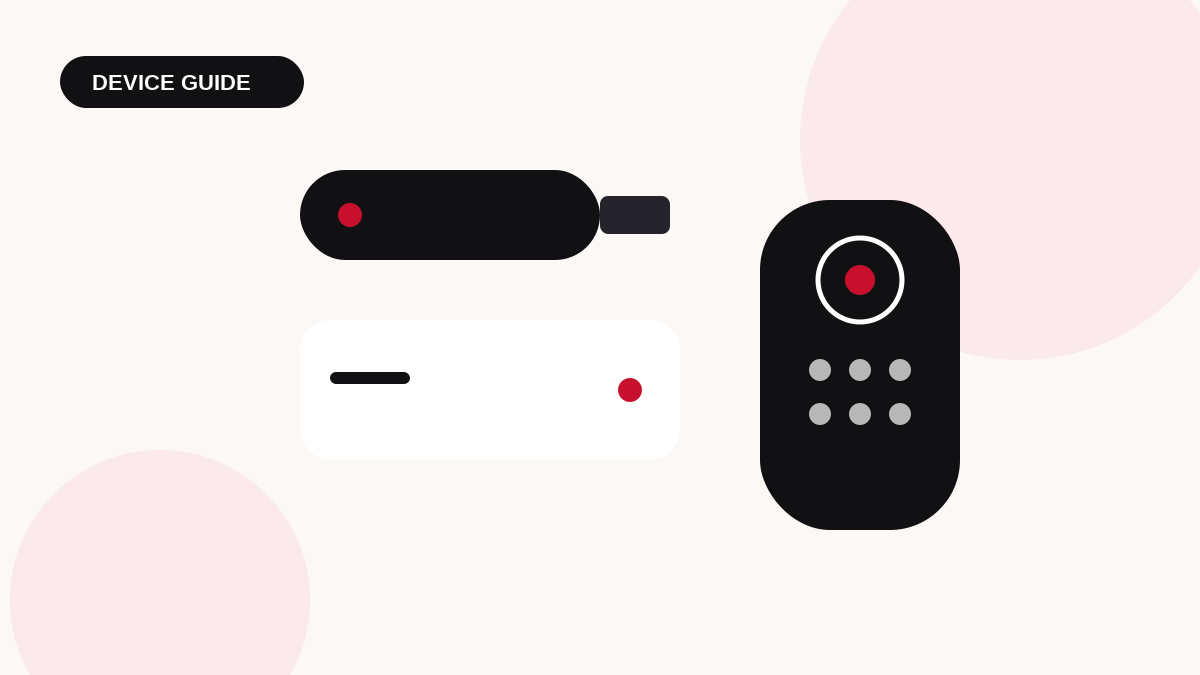
Small HDMI sticks such as Fire TV devices or Google TV dongles are affordable and plug straight into the TV. Pros: low price, wide app choice, regular updates. Cons: limited storage and memory, Wi‑Fi only unless you add an adapter, and they can run warm behind a wall-mounted TV.
Android TV boxes
Set-top boxes running Android TV offer more power and ports than sticks, including Ethernet. Pros: wired networking, more memory, flexible app choice. Cons: quality varies widely between brands. Choose a box running official Android TV or Google TV rather than a generic tablet version of Android.
MAG and similar IPTV boxes
Dedicated IPTV boxes log in with a portal address and the box’s MAC address. Pros: simple, remote-friendly interface made for live TV, Ethernet built in. Cons: fewer general-purpose apps; your subscription is linked to the box’s MAC address.
Apple TV
Pros: excellent performance, long software support, polished interface and strong 4K/HEVC decoding. Cons: higher price, and you are limited to players available in the App Store.
The specifications that actually matter
- 4K and HEVC (H.265) support: essential if you want to watch 4K streams on a 4K TV. Without hardware HEVC decoding, 4K may stutter regardless of your internet speed.
- Memory (RAM): 2 GB or more keeps large channel lists and programme guides responsive. Devices with 1 GB often feel sluggish with big line-ups.
- Networking: an Ethernet port, or at least dual-band Wi‑Fi (5 GHz), makes the biggest difference to stability.
- Storage: 8 GB or more leaves room for the player app, its cache and updates.
- Software updates: a device that still receives official updates will stay compatible with current player apps for longer.
Quick comparison
| Device type | Typical cost | Ease of use | Best for |
|---|---|---|---|
| Smart TV app | None | Good | Trying Zena TV with no extra hardware |
| Streaming stick | Low | Very good | Most living rooms and bedrooms |
| Android TV box | Low–medium | Good | Wired connections and power users |
| MAG box | Medium | Very good | Live-TV-first households |
| Apple TV | Higher | Excellent | Premium 4K and Apple households |
Recommendations by situation
“I just want it to work on my main TV.”
Try your TV’s app store first. If the experience is slow, add a current 4K streaming stick, which is the simplest upgrade for most people.
“Our Wi‑Fi is unreliable in the living room.”
Choose a device with an Ethernet port, such as an Android TV box, a MAG box or Apple TV, and run a cable from the router. Powerline adapters are an alternative when a long cable is impractical.
“We mostly watch live channels and sport.”
A MAG-style box is built for channel surfing with a remote. An Android TV box with a good player is a flexible alternative.
“I want the smoothest 4K experience.”
Apple TV 4K or a high-quality Android TV box with HEVC support, connected by Ethernet, gives the most consistent results.
What to avoid
- Unbranded boxes that run phone or tablet versions of Android rather than Android TV.
- Devices sold with “pre-loaded” apps or content from unknown sources.
- Very old sticks that no longer receive updates or cannot install current apps.
- Placing a stick where it overheats; use an HDMI extender if needed.
Not sure? Ask us
Tell us the devices you already have and your internet speed, and we will suggest the simplest setup for your home. Once you have chosen, our TV guide and favourites tips will help you get the most from your player. Ready to start? See the Zena TV plans.