Premium IPTV for viewers worldwide

Zena TV: premium IPTV, beautifully simple

Live channels from around the globe, a vast library of films and series, and PPV events in HD, Full HD and 4K, all in one calm, prepaid subscription with friendly help on WhatsApp.

  • 50,000+ live channels
  • 70,000+ movies & series
  • HD · FHD · 4K
  • 24/7 support
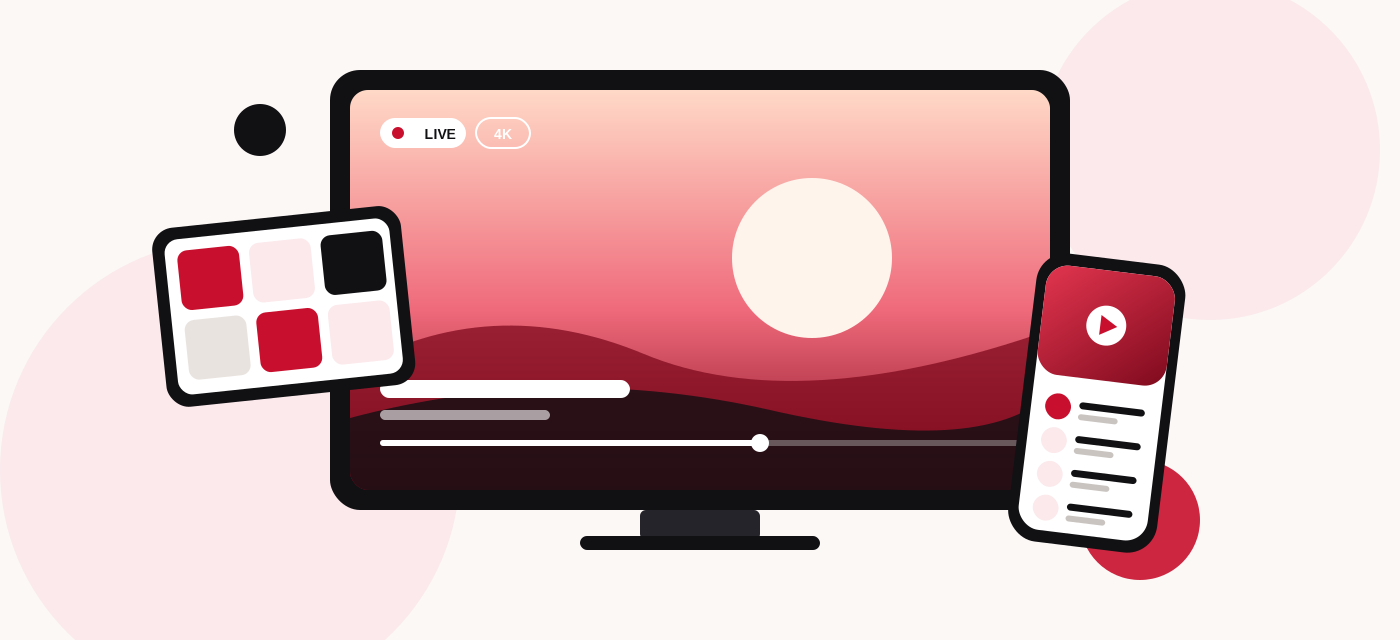
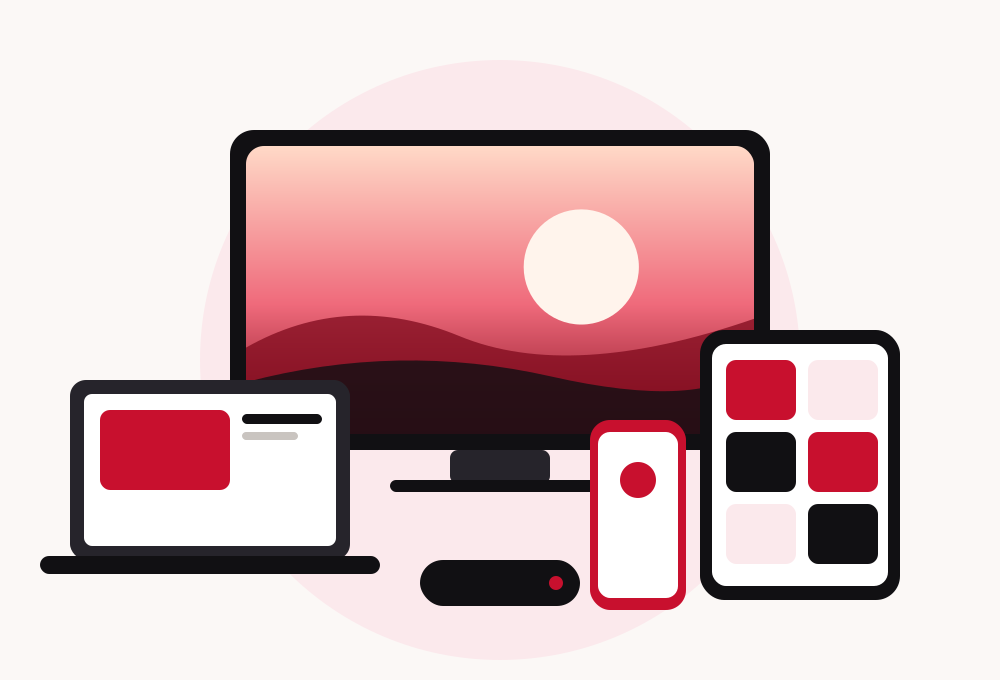
Zena TV playing a live channel on a smart TV, with a tablet and smartphone showing the channel menu
Welcome to Zena TV

All your viewing, gathered in one place

Zena TV is an IPTV service, which means television delivered over the internet to an app on your device. There is no dish on the roof and no box to rent. You pick a plan, we activate it, and your screens fill with live TV, films, series and events.

Live television

Channels from every corner of the world, as they air

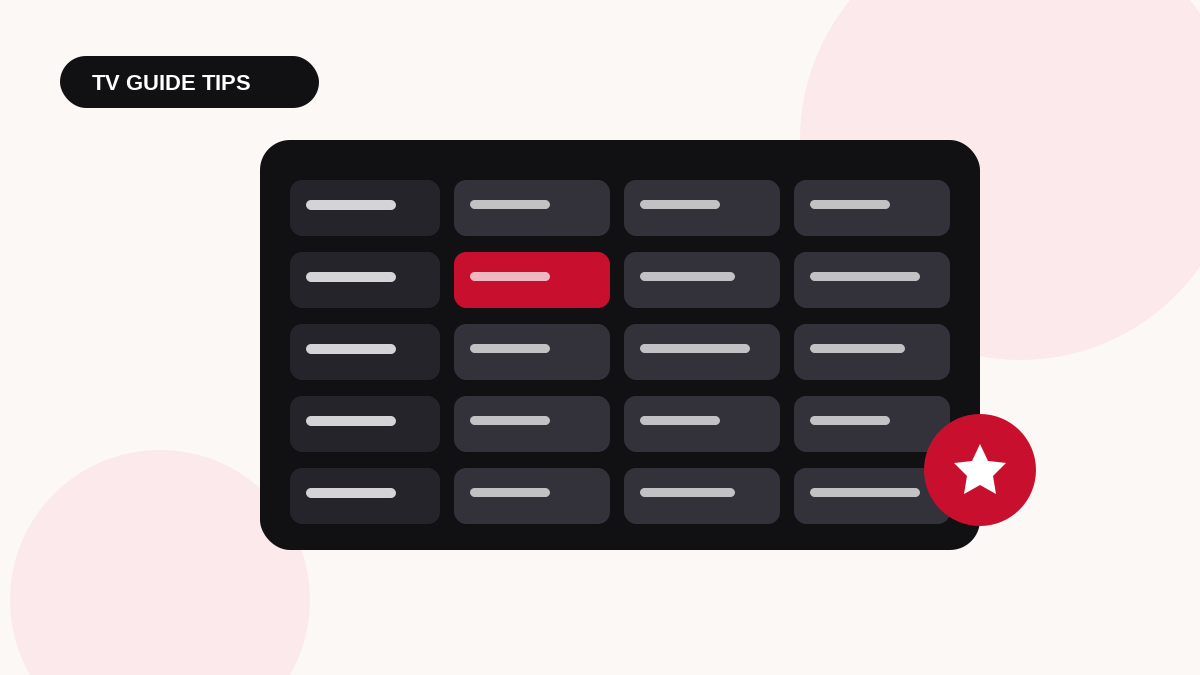
More than 50,000 live channels are arranged into clear groups by country and by genre, so you can head straight for news from home, a music channel for the kitchen or a documentary for a quiet evening. On players that support it, a programme guide shows what is on now and what is coming up next.

Because the line-up spans many regions and languages, Zena TV works especially well for families who speak more than one language at home or live far from where they grew up.

Live channel playing on a television with a broadcast signal icon
Films & series on demand

Press play whenever it suits you

When nothing on live TV fits your mood, open the on-demand catalogue of more than 70,000 films and series. Browse by genre, start a film after the children are asleep, or work through a series one episode at a time. Many players remember where you stopped, so you can pick up later on the same device.

It is the difference between waiting for a schedule and having your own private video shop open around the clock.

Grid of movie and series posters with a large play button
Sports & PPV

Big moments, without a separate ticket from us

Sports channels and a dedicated PPV section are part of every plan. When a major fight, tournament or special broadcast is scheduled, it appears in the PPV group, and you will not pay Zena TV an extra event fee to open it.

Event availability depends on each broadcast, so check the PPV section as the date approaches, or ask our team if a particular event matters to you.

Sports pitch on a large screen with a scoreboard and PPV badge
Included with every plan

Everything you need, nothing you don’t

Zena TV has no premium tiers and no paid add-ons. Whichever duration you choose, you receive the complete service described below.

HD, Full HD and 4K quality

Pick the quality that suits each screen: HD for phones and slower connections, Full HD for everyday viewing, and 4K for big televisions on channels and titles that offer it. Your device and connection decide how high you can go, and our team will help you find the sweet spot.

50,000+ live channels

News, entertainment, kids, music, factual, sports and international channels in organised groups.

70,000+ movies & series

An always-open library for film nights and box-set weekends.

PPV channels

Pay-per-view event channels are included, with no extra event charge from us.

Every common device

TVs, sticks, boxes, phones, tablets and computers, using a compatible player.

Kind, round-the-clock support

Questions before you buy, a hand with installation, or a channel that refuses to load late at night: message us on WhatsApp and a real person will reply, any day of the year. We would rather explain something twice than leave you guessing.

Pricing

Choose your Zena TV plan

Four prepaid durations with identical features. The longer you choose, the less you pay per month. Tap Buy Now to send your order on WhatsApp in one step.

1 Month

Start small
$15
  • HD/FHD/4K IPTV
  • +50,000 Live Channels
  • +70,000 Movies & Series
  • PPV Channels
  • Works on all devices
  • 24/7 Support
Buy Now

3 Months

A full season
$30
  • HD/FHD/4K IPTV
  • +50,000 Live Channels
  • +70,000 Movies & Series
  • PPV Channels
  • Works on all devices
  • 24/7 Support
Buy Now

6 Months

Half a year covered
$45
  • HD/FHD/4K IPTV
  • +50,000 Live Channels
  • +70,000 Movies & Series
  • PPV Channels
  • Works on all devices
  • 24/7 Support
Buy Now
Best value

12 Months

A whole year
$65
  • HD/FHD/4K IPTV
  • +50,000 Live Channels
  • +70,000 Movies & Series
  • PPV Channels
  • Works on all devices
  • 24/7 Support
Buy Now

Prices in USD · no automatic renewal · more detail on the Zena TV pricing page

A day with Zena TV

One subscription, from breakfast to bedtime

Here is how a single plan can fit into an ordinary day across different rooms and screens.

Morning headlines

Catch the news from home on the kitchen tablet while the coffee brews, in the language you grew up with.

Lunch break

Open the player on your phone or work laptop and watch part of a series episode during a quiet break.

Film night

Pick a film from the on-demand library and enjoy it in 4K on the living-room TV once everyone has settled.

The big event

Friends come over for a PPV fight or a late match, streamed to the big screen through a streaming stick.

The number of screens that can stream at the same moment depends on your subscription. Tell us how many you need when ordering.

Made for every kind of viewer

How different households make Zena TV their own

No two homes watch television the same way. Here are a few common profiles, with the setup that tends to work best for each.

International families

Parents may want news from their home country while the children watch local cartoons. Create one favourites list per language, and hide the regions nobody watches so browsing stays quick for everyone.

Tip: ask us to confirm the channels in your language before you order.

Sports followers

Live matches are unforgiving if your connection is weak, so give the main TV a network cable and keep 4K for the big screen. Check the PPV group a day or two before a major event so there are no surprises.

Tip: a device with an Ethernet port pays for itself on match nights.

Film and series lovers

The on-demand library is where you will spend most of your time. Choose a player with a resume function and a clear poster layout, and add titles to favourites as you discover them so your watch list builds itself.

Tip: turn on subtitles from the playback menu where available.

Students and travellers

A laptop or phone may be your only screen. Zena TV works anywhere with a reliable connection, so a single plan follows you between home, campus and holidays, subject to local rules and regional availability.

Tip: pick HD on mobile data to save bandwidth.

Older viewers

Simplicity matters most. A MAG-style box or a streaming stick with one remote, a short favourites list and large on-screen text keeps things familiar. We are happy to talk a relative through the setup step by step.

Tip: we can send instructions to a family member who helps.

Busy multi-screen homes

When several people watch at once, plan your bandwidth and tell us how many simultaneous streams you need. Use HD on phones and tablets so the living-room TV keeps its 4K picture.

Tip: mesh Wi‑Fi helps when bedrooms are far from the router.

Supported devices

Watch on the screens you already love

Zena TV works through IPTV player apps rather than a proprietary box, so it runs on nearly every modern screen. Most people start with their main television, using its built-in app store or a small streaming stick, and later add a phone or tablet for the rest of the house.

When you order, let us know your device. We will send your login in the format your player expects, recommend a player that currently works well on it and share instructions written for that exact platform.

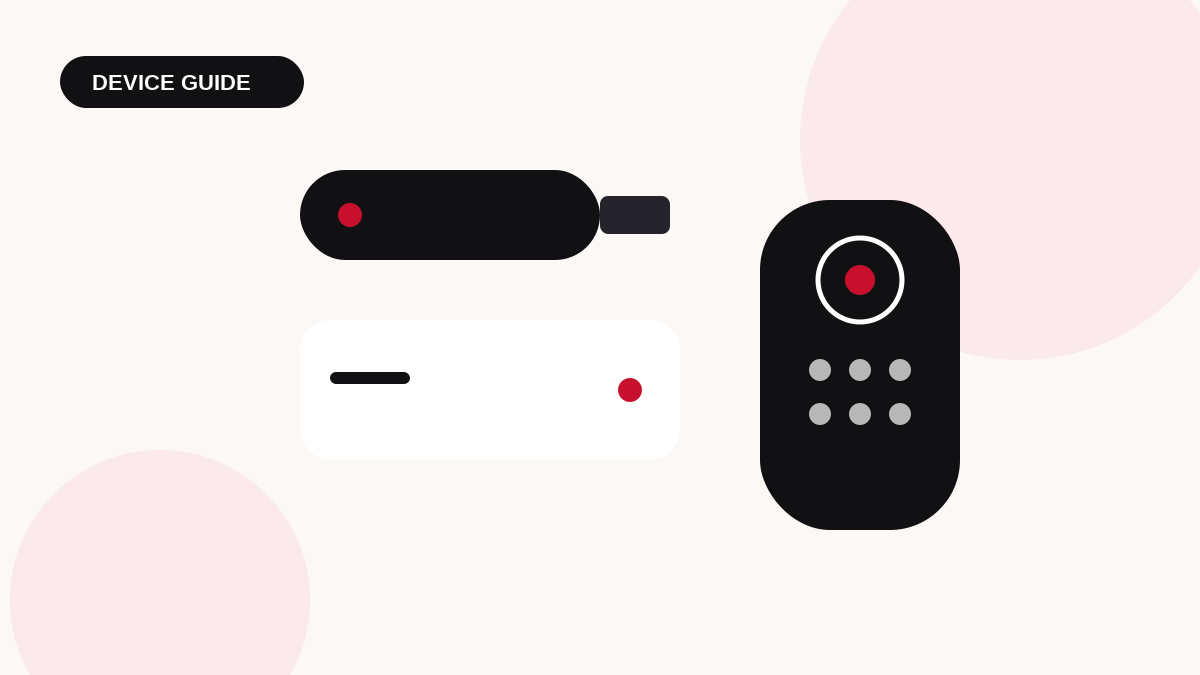
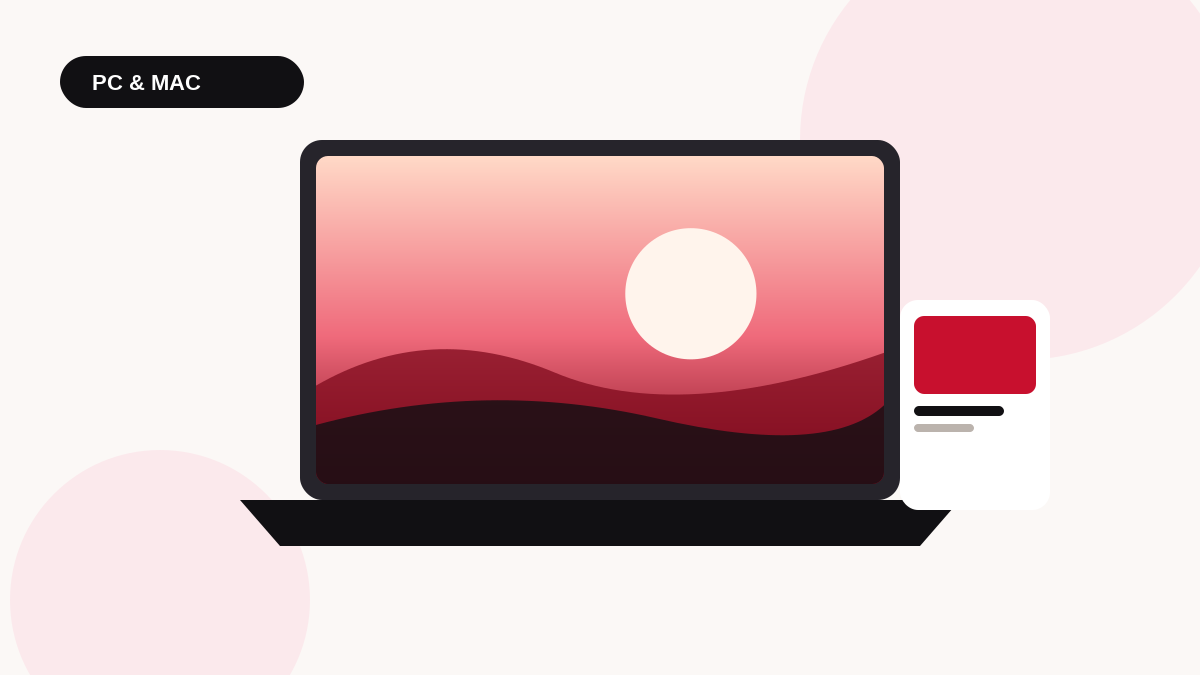
Detailed help: choosing a streaming device and watching on PC or Mac.

  • Samsung Smart TV
  • LG webOS TV
  • Android & Google TV
  • Fire TV Stick
  • Android TV box
  • MAG box
  • Apple TV
  • iPhone
  • Android phone
  • iPad & tablets
  • Windows PC
  • MacBook & iMac
  • Enigma2 / Formuler
Zena TV running on a television, laptop, tablet, phone and streaming box
How it works

Watching in four easy steps

From choosing a plan to pressing play, everything happens in a single, friendly WhatsApp conversation.

Pick your plan

Choose 1, 3, 6 or 12 months on the pricing page. Every plan has the same features.

Message us

Tap Buy Now. WhatsApp opens with your plan in the message; add the device you will use and send.

Complete payment

We reply with the payment methods available in your country and confirm as soon as it arrives.

Install & enjoy

Receive your access details and device-specific steps. If anything is unclear, we guide you live.

IPTV, decoded

Eight words that make IPTV easy to understand

You will meet these terms in player apps and in our setup messages. Knowing them makes installation quicker and troubleshooting far less confusing.

IPTV
Internet Protocol Television: TV delivered over an internet connection instead of satellite, aerial or cable.
VOD
Video on demand: the films and series you can start at any time, rather than following a broadcast schedule.
EPG
Electronic programme guide: the on-screen schedule showing what is on now and next for live channels.
M3U
A playlist link containing the channel list. Some players accept a single M3U address to load everything.
Xtream login
A server address with a username and password. The most widely supported way to sign in to an IPTV player.
MAC address
A device’s unique hardware ID. MAG-style boxes use it, together with a portal address, to log in.
HEVC / H.265
A modern video codec used by many 4K streams. Your device should support it for smooth 4K playback.
Buffering
A pause while the player waits for more video data, usually caused by Wi‑Fi or network congestion.
Make an informed choice

Zena TV compared with pay TV and free-to-air

Every way of watching television has its place. A roof aerial is free but limited to local broadcasts. Traditional pay TV is dependable but often comes with long contracts and rented equipment. Here is a fair comparison so you can see where Zena TV fits.

Zena TV compared with traditional pay TV and free-to-air television
What mattersZena TVPay TV (cable/satellite)Free-to-air aerial
Channel choice50,000+ from many countriesDepends on packageLocal channels only
Films & series on demand70,000+ includedOften extra costLimited catch-up
EquipmentYour own devicesRented box, dish or cableAerial and tuner
CommitmentPrepaid, 1–12 monthsOften 12–24 monthsNone
Watch in other rooms or awayPhone, tablet, laptopUsually one addressWhere there is an aerial
Internet requiredYes, stable broadbandNot for satelliteNo

The key trade-off is simple: IPTV relies on your internet. With a dependable connection, Zena TV gives you a far broader choice and more flexibility for a clear, prepaid price. With a weak connection, improving your broadband should come first.

Before you subscribe

A quick readiness check

Five minutes of preparation makes the first evening with Zena TV smooth. Run through this list before ordering, or send us your answers on WhatsApp and we will tell you which plan and player suit you.

  • Test your speed on the device you will watch on, in the evening, and note the lowest result.
  • Check your device can install apps from its store; note the model name.
  • Count your screens: how many TVs or phones might stream at once?
  • List must-have channels or languages, and ask us to confirm them.
  • Plan the connection: an Ethernet cable or strong 5 GHz Wi‑Fi for the main TV.
Get a personal recommendation
Recommended internet speed for Zena TV by stream quality
QualityResolutionSuggested speed per screen
HD1280 × 72010 Mbps
Full HD1920 × 108015–20 Mbps
4K Ultra HD3840 × 216025 Mbps or more
Two screens (4K + FHD)—45 Mbps or more
Looking after your setup

Simple habits for a consistently good picture

The way your home network and devices are set up has more effect on everyday streaming than almost anything else. Our support team shares these tips most often.

Give the TV a strong connection

Use a network cable where you can. Otherwise, connect to 5 GHz Wi‑Fi and keep the router high, central and out of cupboards.

Restart now and then

Sticks and boxes rarely switch fully off. Restarting them, and your router, every few days keeps everything responsive.

Keep your login to yourself

Your access details are linked to your plan. Sharing them can cause connection conflicts and may lead to suspension.

Questions

Zena TV, answered

What exactly is Zena TV?

Zena TV is an IPTV subscription service. It streams live channels, a large catalogue of films and series, and PPV channels to an IPTV player app on your smart TV, streaming device, phone, tablet or computer, using your normal internet connection.

Do I need a satellite dish or a cable connection?

No. Zena TV only needs a stable broadband connection and a compatible device. There is no dish to install and no cable contract to sign.

Which quality will I get?

Streams are offered in HD, Full HD and 4K, depending on the channel or title. To watch in 4K you also need a 4K-capable screen and device and a connection of around 25 Mbps or more.

How do I pay and receive access?

Tap Buy Now on a plan to open WhatsApp with your order filled in. Our team shares the payment options available in your country and sends your access details and setup steps once payment is confirmed.

Is my subscription renewed automatically?

No. Each plan is prepaid for a fixed period and simply ends. You decide whether to renew.

Can someone help me install it?

Yes. Our team provides setup guidance on WhatsApp (+212 689 175 486) at any hour, for any supported device.

Read all frequently asked questions

From the blog

Guides to help you enjoy every minute

Settle in with Zena TV tonight

Choose a plan, send us a quick WhatsApp message and we will have you watching on your favourite screen.